Why KYC Is Required
The KYC process helps PhaJay verify the identity and legitimacy of the platform owner, ensuring secure and compliant financial operations.
To use PhaJay Payment Support in Production, the platform owner must complete the KYC (Know Your Customer) process by sending information about the platform's services to PhaJay Payment Support. The KYC procedure is as follows:
- Select to KYC
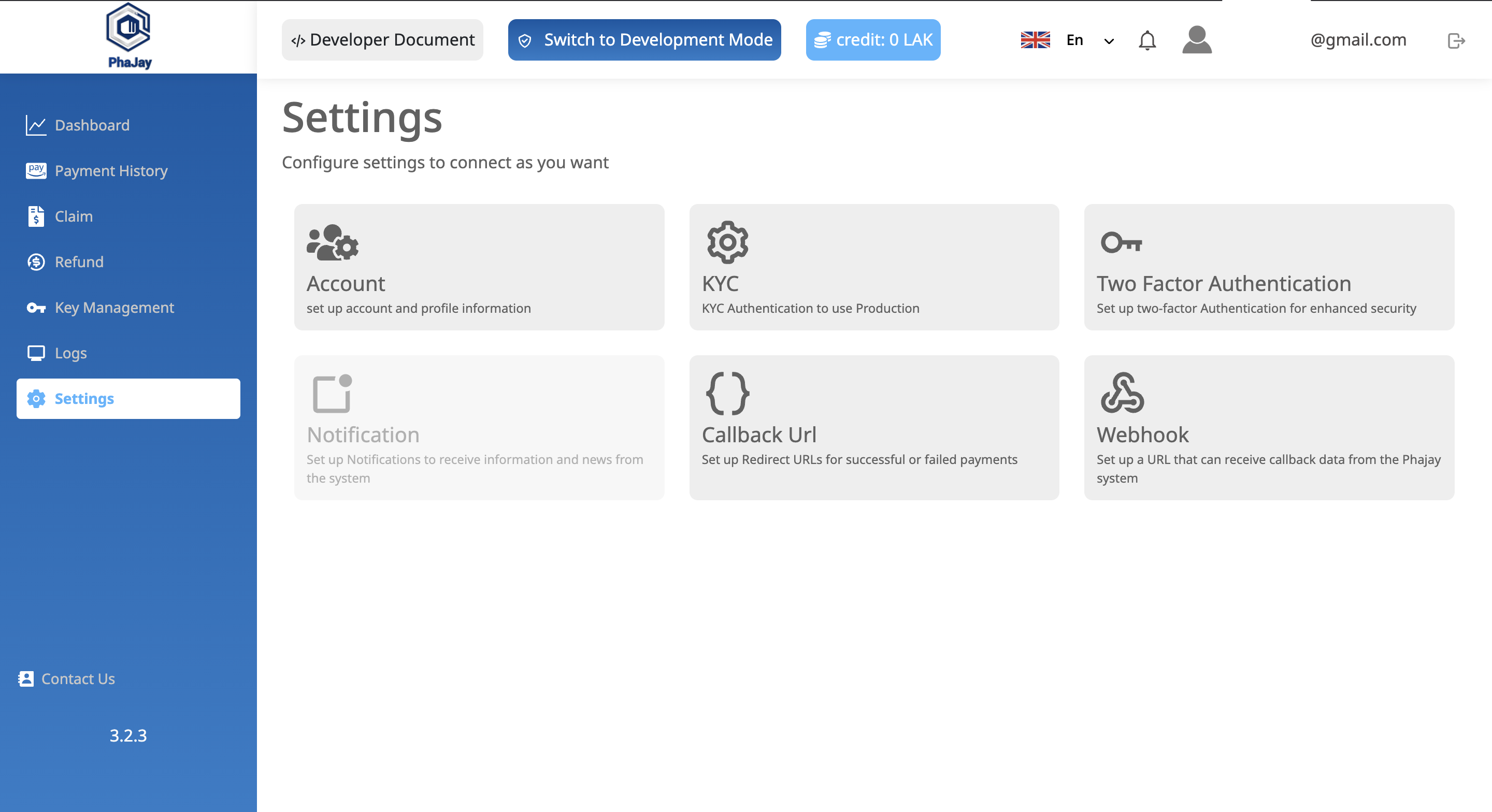
📝 KYC Procedure
To complete the KYC process, follow the steps below:
-
Connect and Complete Real Transactions
Connect to the Payment QR or Payment Link API and complete 5 real payment transactions, paid through an actual bank app using real money. This must be done before you can submit your KYC information. -
Prepare Required Information
- Business name and registration details
- Description of your platform and its services
- Ownership or representative details
- Bank account information for settlement
- Valid business documents (e.g., license, ID, etc.)
-
Submit the Information
Send the above information via the PhaJay Portal. -
Verification Process
PhaJay will review and verify the submitted documents and may contact you for clarification if needed. -
Approval Notification
Once approved, you will be granted access to the Production environment.
✅ After KYC approval, you can begin accepting real payments through PhaJay.
⚠️ Common misunderstanding: The 5 required transactions must be completed via the Payment QR or Payment Link API with real money through an actual bank app — sandbox test transactions do not count toward this requirement. Only after successfully completing 5 real transactions can you submit your KYC information.
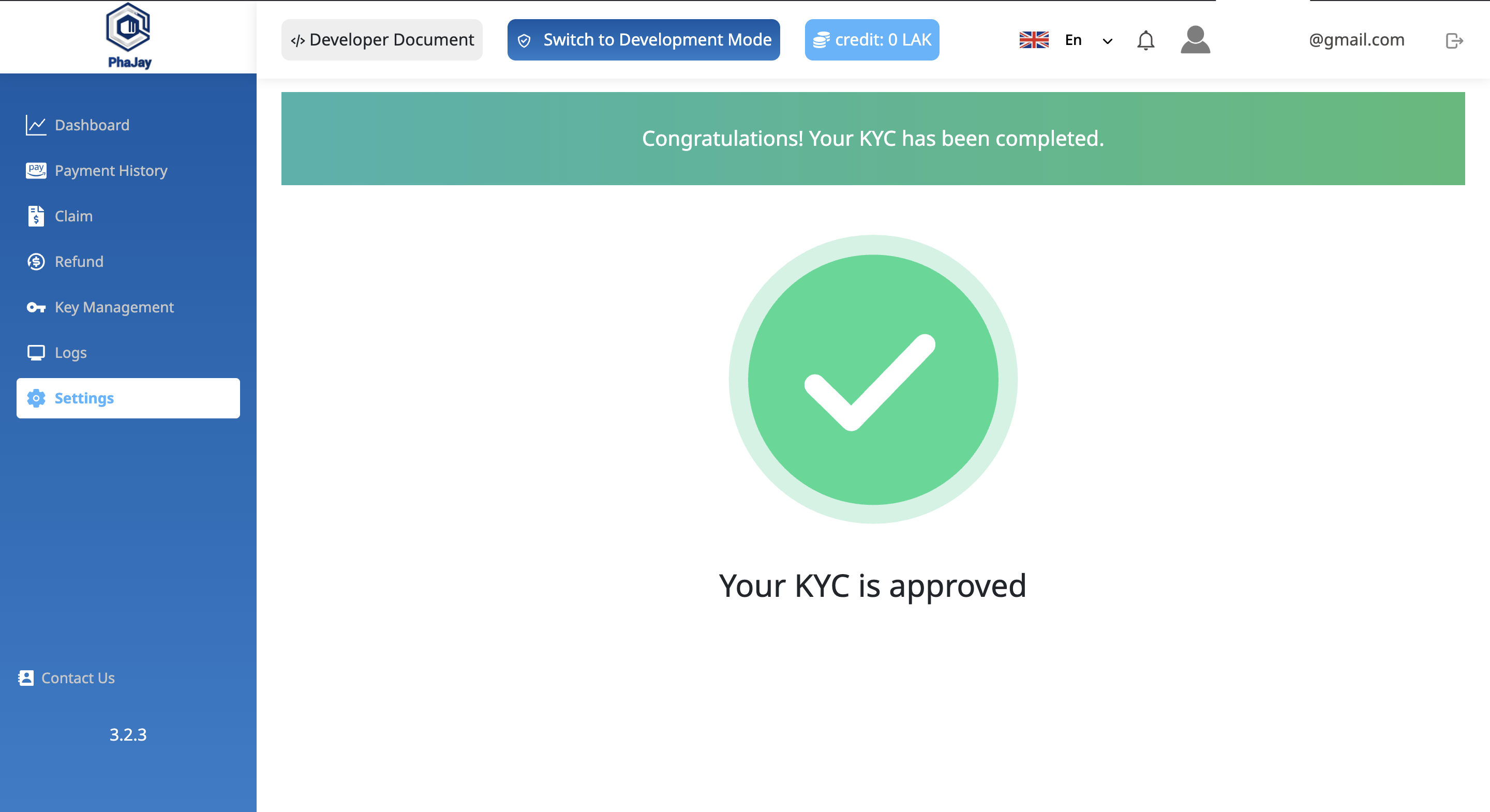
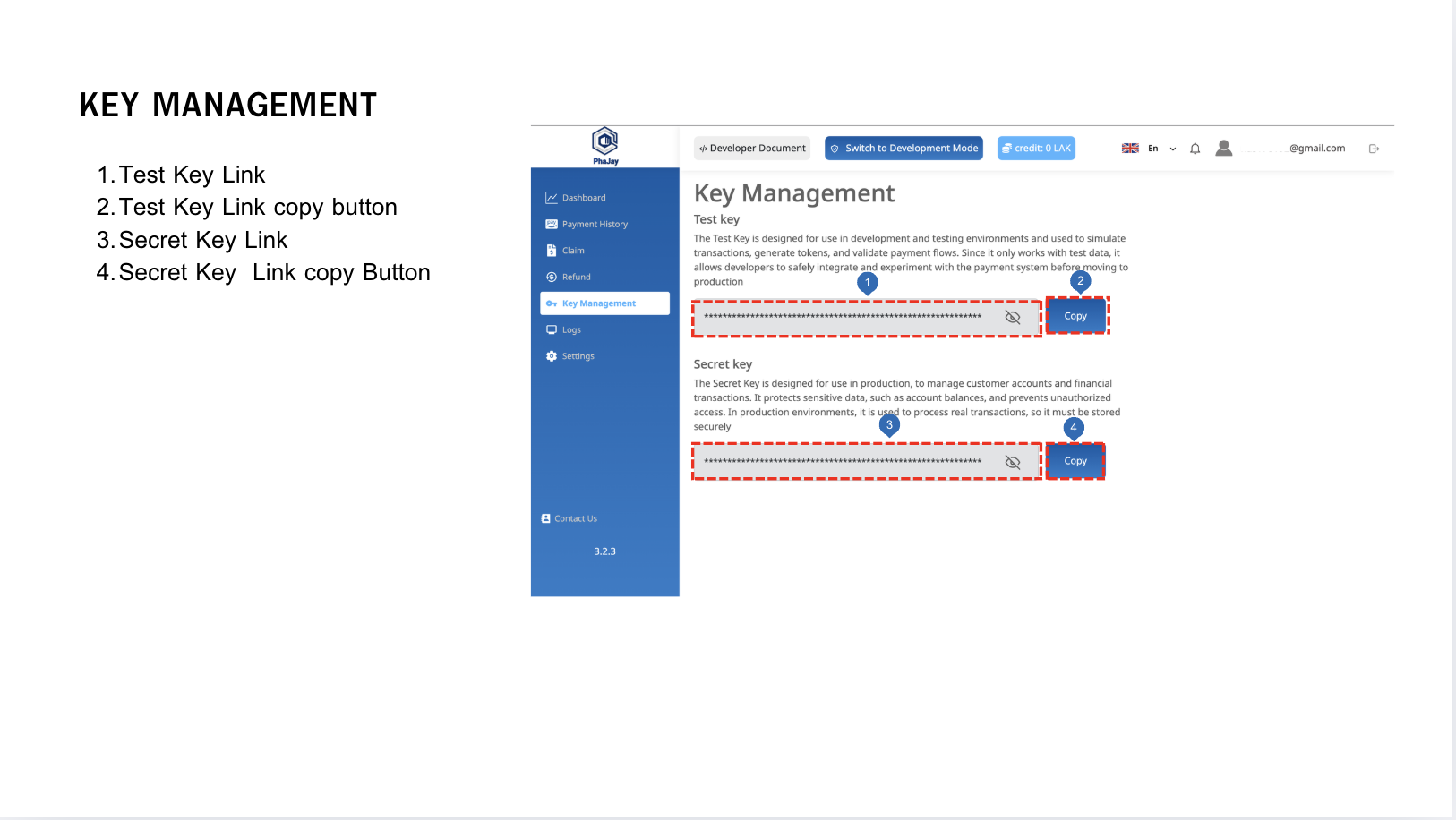
After receiving confirmation from PhaJay Payment Support, the platform owner will receive the secretKey used for the Production environment and can fully connect to the service.
- Select to Manage Key
Last updated: 16 days ago